Figma Starter: Three Files, Thirty Days, No Dev Mode
Drafts are unlimited, which is the escape hatch almost nobody mentions. The four limits that do bite are all about handoff.
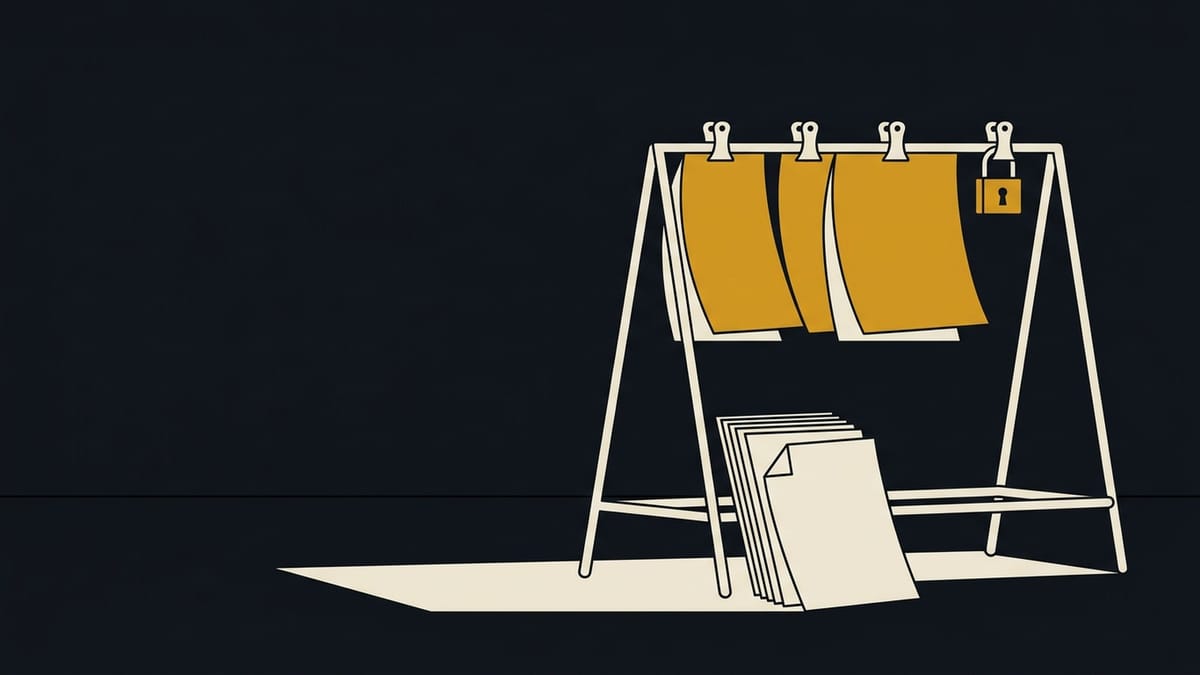
Figma Starter gives three shared design files with three pages each, three FigJam boards, three Slides decks, unlimited personal drafts, 30 days of version history and no Dev Mode. It is free permanently, needs no card, and personal drafts never count toward the three-file limit, which is the part almost everyone misses.
The file cap is the limit people quote. The one that actually costs money arrives later, at handoff.
Alpesh Gevariya designs landing pages and app interfaces for clients. Starter survives that work longer than expected, and it fails in four specific places, all of them at handoff.
The four limits that actually bite
Version history is the one that quietly costs money. Figma autosaves a version every 30 minutes on every plan, and on Starter anything older than 30 days is deleted. A client asking for the layout from six weeks ago is asking for a file you no longer have.
| Limit | Starter | Professional | When it breaks |
|---|---|---|---|
| Shared design files | 3, with 3 pages each | Unlimited | Your third client project |
| Version history | 30 days | Unlimited | A revision request after five weeks |
| Team libraries | Not included | Included | A brand colour changes across files |
| Dev Mode | Basic preview only | Full inspect and code output | Handoff day |
Unlimited drafts are the escape hatch
The three-file limit applies to a Starter team's single folder. Personal drafts are unlimited, they are shareable with unlimited viewers, and they never count toward the three. Working out of drafts is the reason a solo designer can stay on Starter for years.
What drafts cannot do is grant edit access. A second editor cannot touch a draft until it moves into the team folder, so the moment two people need to work in the same file, the three-file ceiling becomes real. That is the actual threshold, and it arrives at the second person rather than the third project.
Dev Mode, and what handoff looks like on Starter
Dev Mode is where the free plan stops being a design tool and becomes a design preview. On Starter you can inspect a frame, and you cannot get the measured spacing, the annotation layer, or generated code. Every handoff turns into a conversation in a third-party chat window.
The workaround is older than Dev Mode and still works: hand off with a components page, spacing shown through a layout grid, and a one-page spec written in the file. It costs about twenty minutes per project and it removes the guessing, which is what a developer actually needs from a design file.
If a brand colour changes, Starter can hurt
Team libraries for components, styles and variables are Professional and above. On Starter you build components and you cannot publish them for other files to reuse.
A single-file project survives this fine. Four related landing pages sharing a button component do not, because the component exists in every file separately and a change to the brand colour is four changes made by hand, with four chances to miss one.
Same-day alternative: Figma's own free tier versus Penpot
Penpot is an open-source design tool that runs in the browser and has no file limit at all. It covers components, shared libraries and Dev Mode equivalents for free, and its weak points against Figma are plugin ecosystem, community files and handoff polish. For a solo designer whose work is mostly web layout, Penpot removes every one of the four limits above.
The advice I give to a designer starting out is to learn on Figma's free plan, because the industry hiring bar is Figma fluency, and to keep Penpot for client work that has grown past three files.
Frequently asked questions
Does Figma's free plan expire?
No. Starter is free permanently with no trial clock and no card required.
How many files can I have on Figma free?
Three Figma Design files with three pages each, plus three FigJam and three Slides files, all inside one team folder. Personal drafts are unlimited and do not count toward the limit.
Can I use Figma free for client work?
Yes, commercially, with no restriction on the Starter plan. The practical limit is the three shared files and the 30-day history, both of which become a client risk before they become a licence problem.
Is Dev Mode free?
No. Starter includes a basic inspection preview. Full Dev Mode with annotations and code output requires Professional.
What happens if I downgrade from Professional?
The team drops to Starter at the end of the billing period. Files beyond the third remain in the file browser, and you lose team libraries and unlimited version history.
Free-tier limits verified against Figma's Starter plan overview and pricing FAQ on 6 October 2026.